
Band management features for gigs, rehearsals, setlists and money
Six tools that cover the whole life of a band, from the first rehearsal to the last date of the tour. They share the same data, so a gig added in the calendar is already in the setlist, the money and the files.
01 / 06
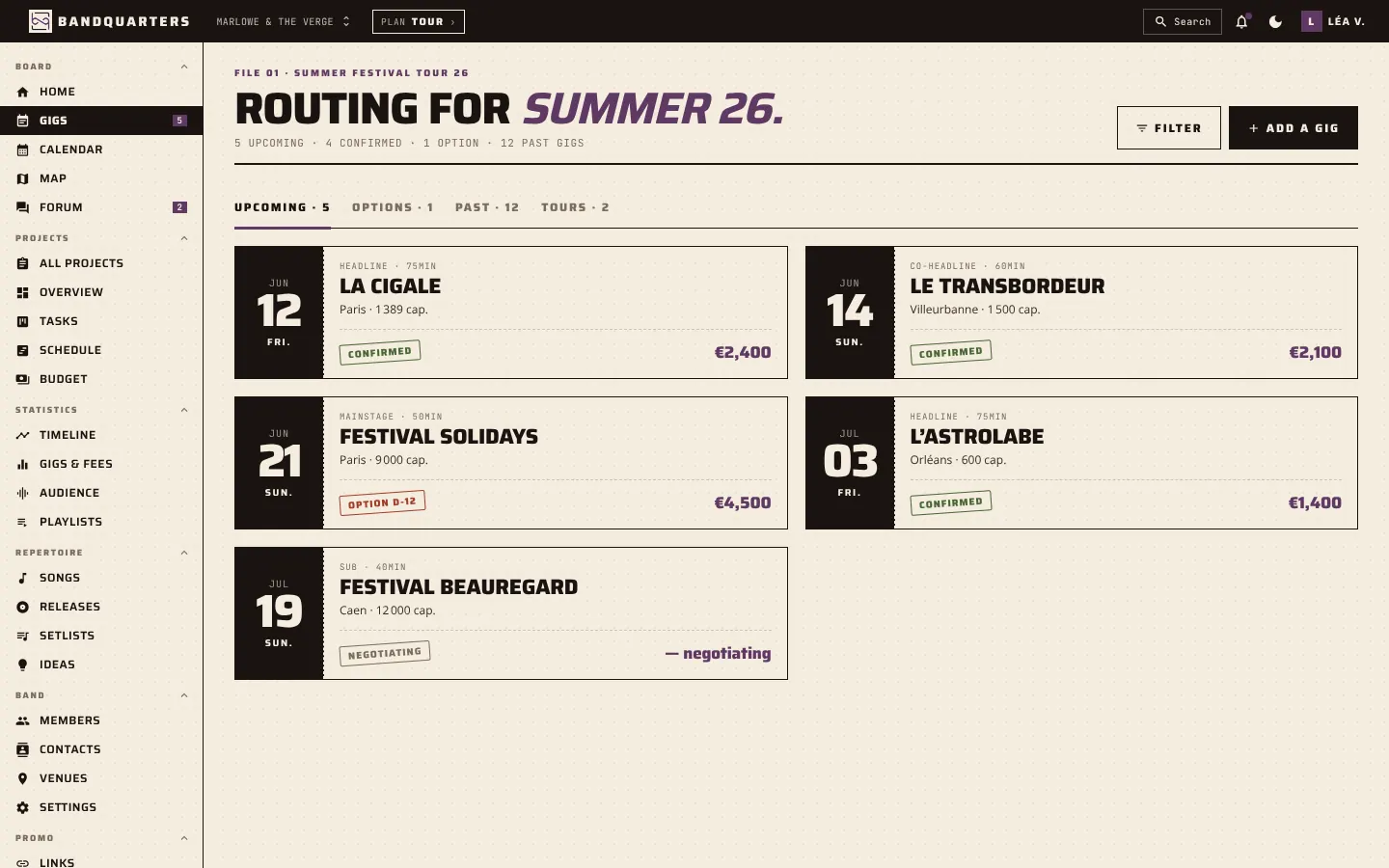
Gig & tour calendar
The calendar is the backbone of Bandquarters. Every gig, festival slot, option and travel day sits on one shared timeline that the whole band can check at any time, on a phone or a laptop.
Each gig keeps its practical details in one place: venue and address, load-in and set times, set length, fee, contact person and status, from option to confirmed. When the booker updates a time, everyone sees it immediately, so nobody turns up with yesterday’s plan.
Switch between a list of upcoming dates, a monthly calendar and a map of the tour to spot long drives and empty weekends. Past gigs stay in your history, which makes it easy to answer the classic question “when did we last play in Lyon?”.
- Options, confirmed gigs and cancelled dates
- Monthly view, list view and tour map
- Venue, contacts, set times and fee on every gig
02 / 06
Rehearsal planning
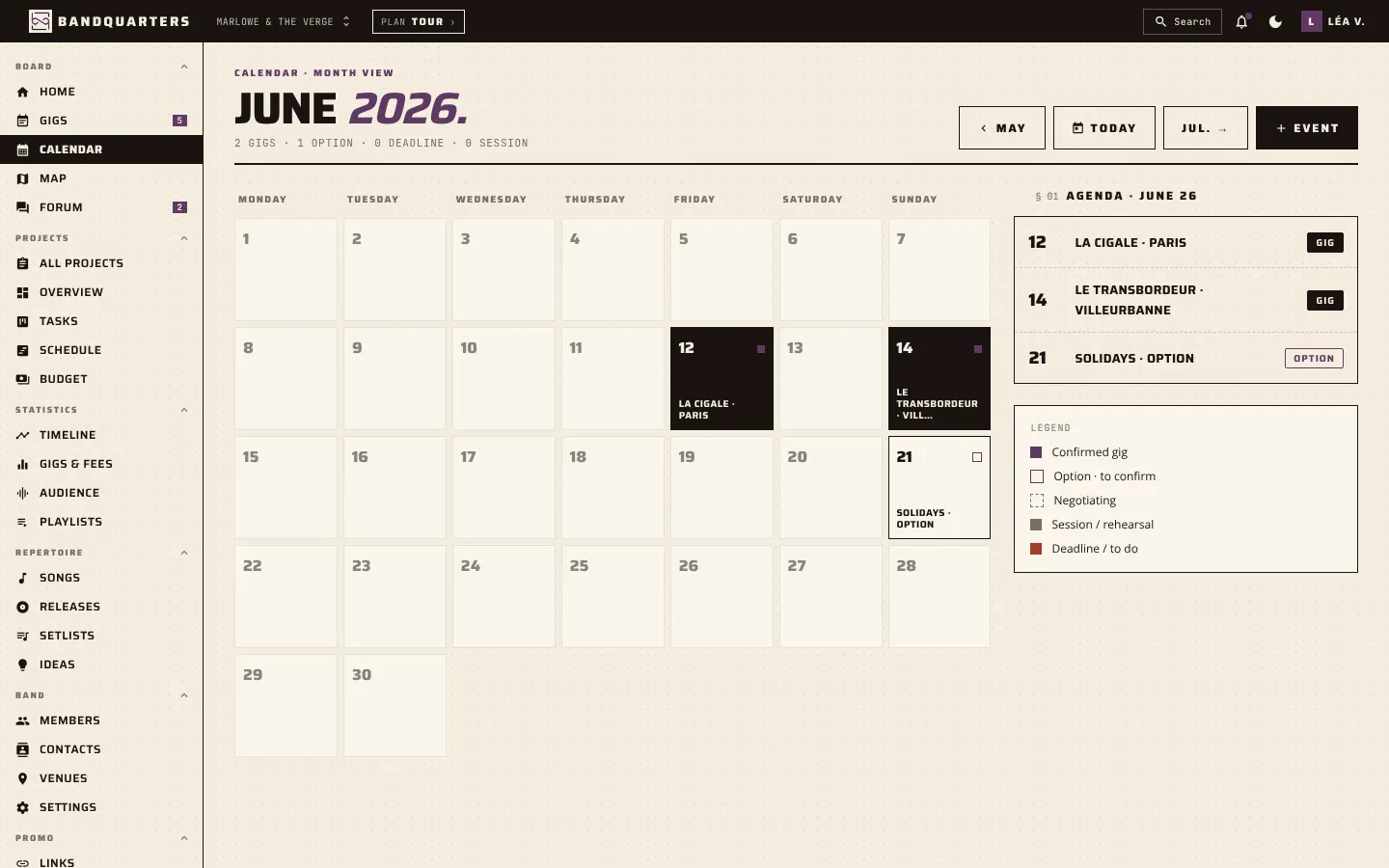
Rehearsals are where a band gets better, and also where most of the scheduling pain happens. Bandquarters puts rehearsals in the same calendar as gigs, so you see straight away whether the Tuesday session clashes with a show or a studio day.
Create a session, pick the room and the time, and attach the songs you want to work on. Members know what to practise before they arrive, and the drummer stops learning the new intro on the night.
After the session, add a short note: what worked, what to fix, which song is ready for the stage. Those notes build a simple history of your progress and help the band decide when a new song can enter the setlist.
- Rehearsals and gigs in one calendar
- Songs to work on attached to each session
- Session notes kept for the whole band
03 / 06
Setlists
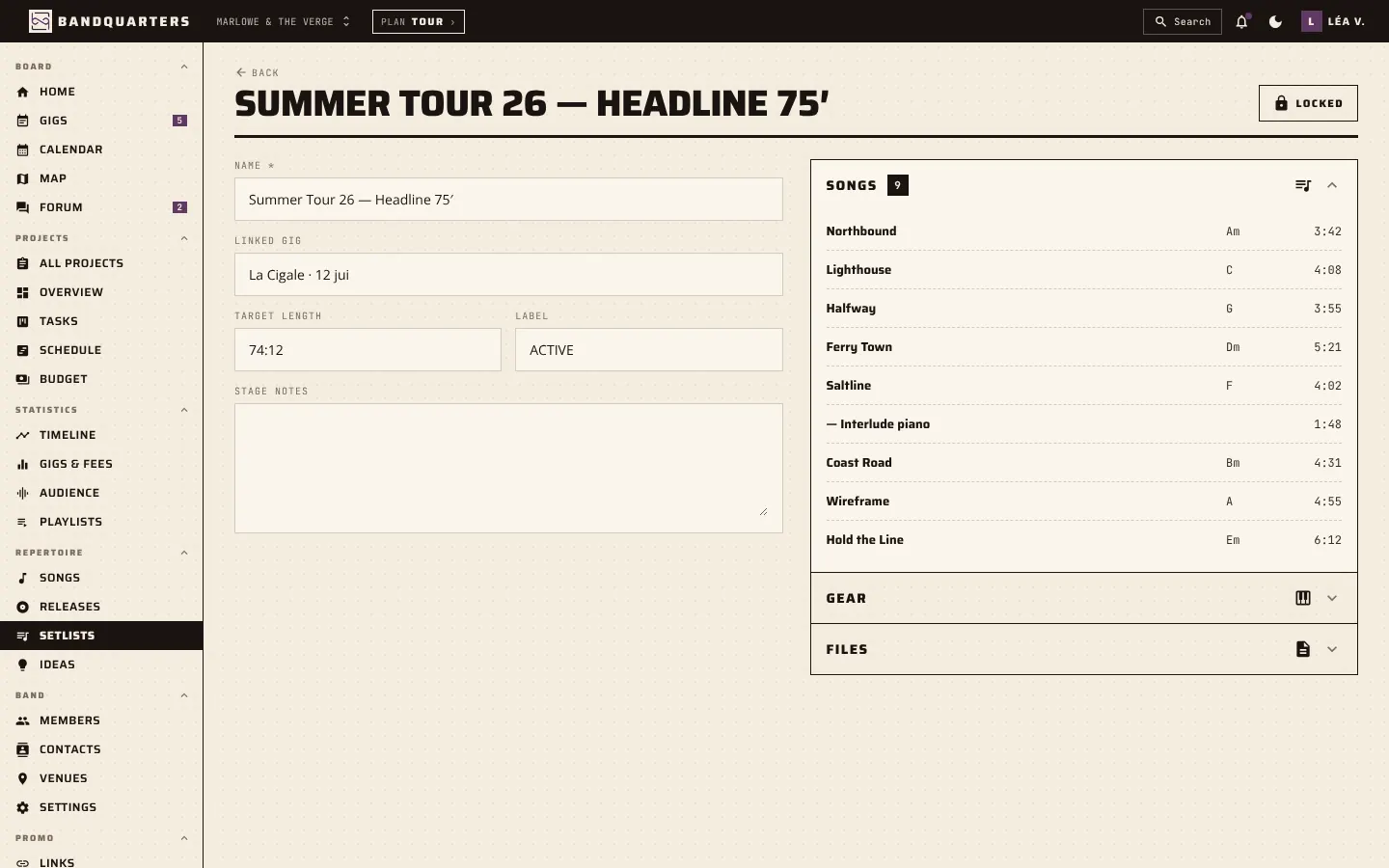
Setlists are built from your song library, so every title already carries its key, tempo and duration. Drag songs into order and Bandquarters calculates the total length as you go, which is exactly what you need when a festival gives you 45 minutes and not a second more.
Keep as many versions as you need: a long headline set, a short festival set, an acoustic set for the radio session. Link a setlist to a gig and everyone knows which version you are playing that night.
On stage, the setlist is readable on a phone in landscape. In the van, it is the reference for the last rehearsal before the show. And after the tour, it tells you which songs you actually played the most.
- Total duration calculated automatically
- One setlist per format: headline, festival, acoustic
- Setlists linked to gigs
04 / 06
Band members & roles
A band is more than its musicians. Bandquarters lets you invite your sound engineer, merch seller, booker or manager into the same space, each with a clear role.
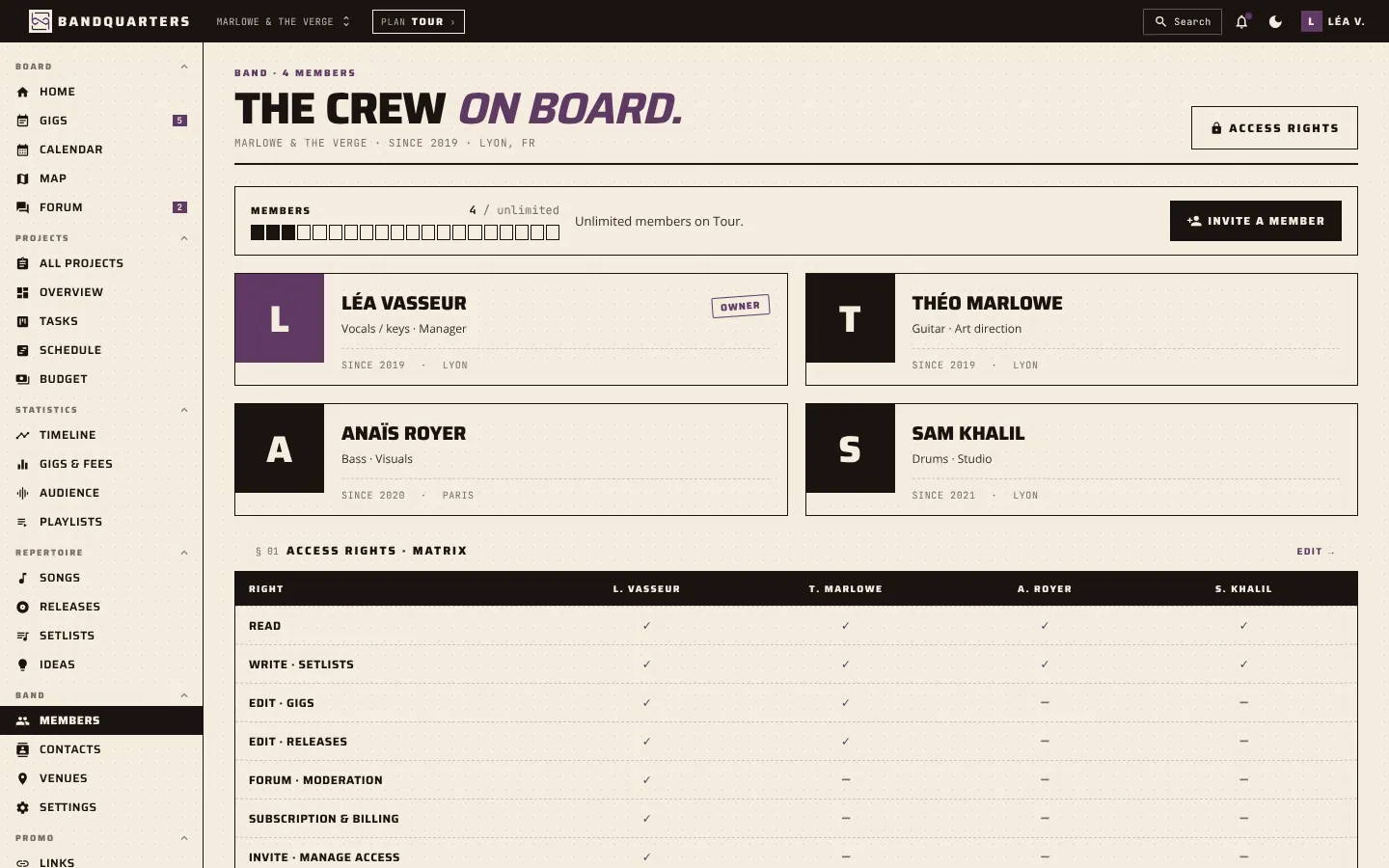
Roles and permissions decide who can read, create, edit or delete each type of data. Your manager can update gigs and contacts without touching the setlists; a session musician can see the songs and dates for the tour they are joining, nothing more.
Every member profile keeps the useful details: instrument, contact, city and the date they joined. When someone leaves, their history stays with the band and the owner keeps control of the account and the subscription.
- Unlimited roles: musicians, crew, management
- Read, create, edit and delete rights per data type
- Owner keeps control of the band and billing
05 / 06
Shared expenses & payouts
Money is the topic most bands avoid until it becomes a problem. Bandquarters records the fee for every gig and lets you log shared costs such as van hire, fuel, rehearsal rooms and studio days.
At the end of a show or a tour, you see what came in, what went out and what is left to share. Payouts become a simple calculation everyone can check, instead of a late-night discussion on the way home.
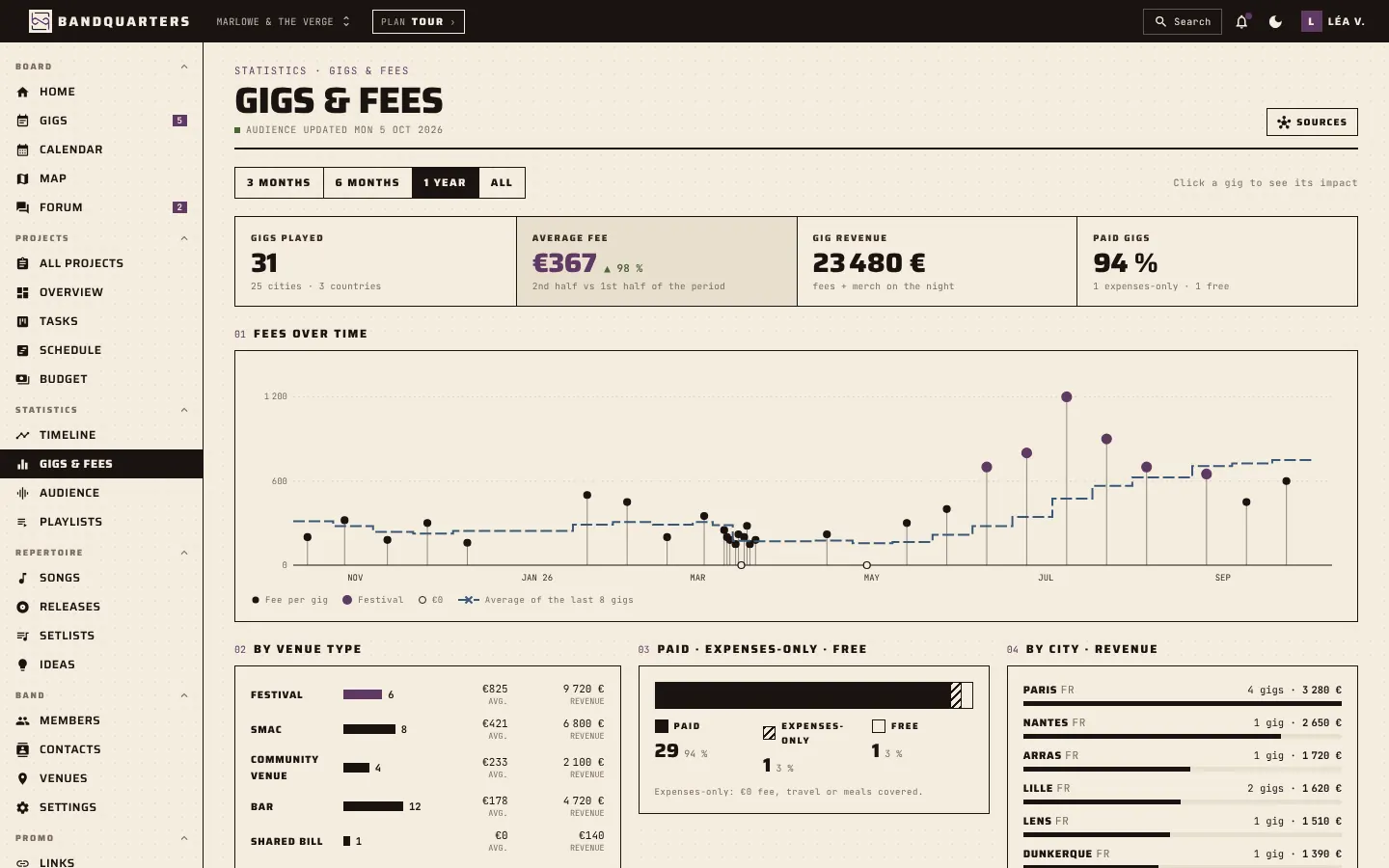
Over time, the gigs and fees view shows how your average fee evolves by venue type and city. It helps you decide which offers are worth accepting and gives your manager solid numbers when negotiating the next booking.
- Gig fees, costs and reimbursements in one place
- Clear balance after each show or tour
- Fee history by venue type and city
06 / 06
Files & lyrics
Bands lose files in the most creative ways: a demo in an old email, the rider in someone’s downloads folder, the lyrics in a notes app. Bandquarters keeps each file next to what it belongs to.
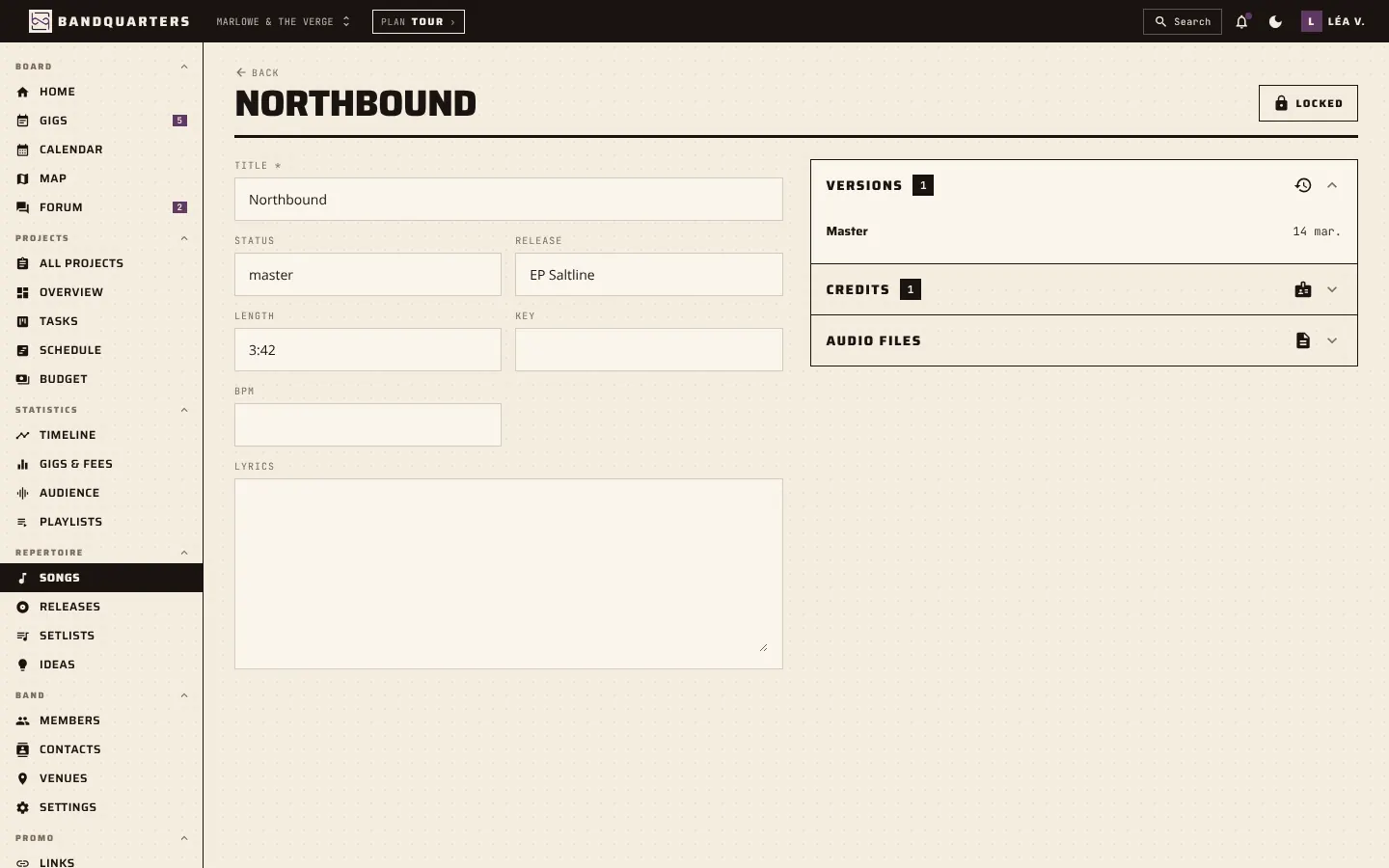
A song keeps its lyrics, versions, demos and masters. A gig keeps its contract, tech rider and stage plot. A release keeps its artwork and press kit. When you need something, you open the song or the gig, not a search through five drives.
Storage is included in every plan: 1 GB on Discovery, 10 GB on Band and 25 GB on Tour. Your files stay private to the band and can be exported whenever you need them.
- Lyrics, demos and masters on every song
- Contracts and riders attached to gigs
- From 1 GB to 25 GB of storage included
Try every feature with your band
Start on the free Discovery plan, invite up to 3 members and upgrade only when the band needs more.